Learn and get Certified for Autodesk AutoCAD
Learning AutoCAD at TechMaax equips you with the skills to design and draft precise 2D and 3D models used across engineering, architecture, and manufacturing industries. Through hands-on training and real-world projects, you’ll gain expertise in technical drawing, modeling, and design documentation, preparing you for a successful career in design, drafting, and engineering visualization.
WHY LEARN AUTOCAD?
Master 2D and 3D design and drafting techniques using AutoCAD.
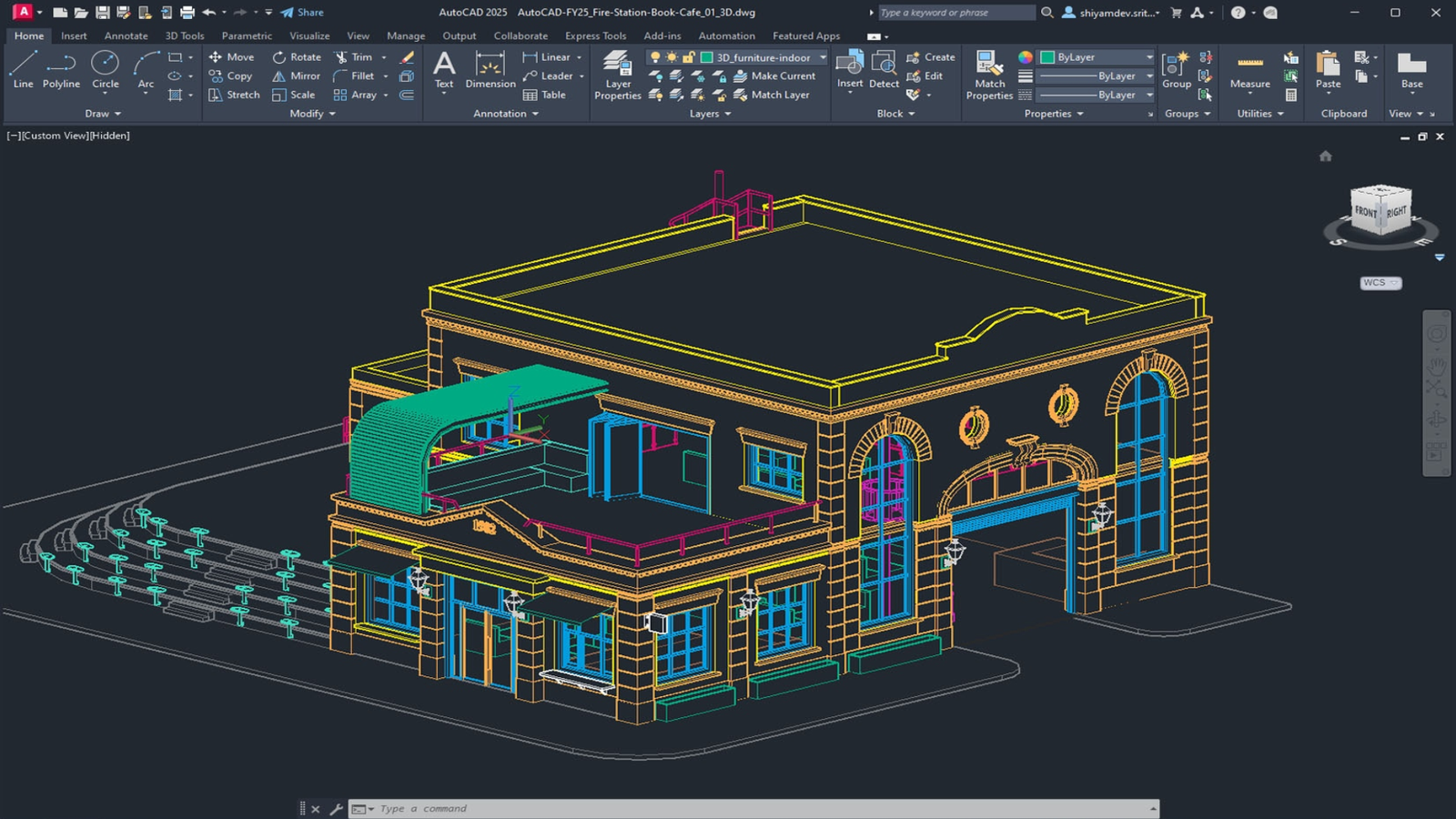
AutoCAD is a leading computer-aided design (CAD) software used by engineers, architects, and designers to create precise 2D drawings and detailed 3D models. It enables professionals to visualize, design, and document projects efficiently, ensuring accuracy and productivity across engineering, architecture, and manufacturing workflows.
At TechMaax, the AutoCAD program is designed to help learners master drafting and design through practical, real-time training. The course covers everything from basic 2D drafting and dimensioning to advanced 3D modeling and rendering. Guided by expert trainers, students gain hands-on experience with AutoCAD tools used by industry professionals, preparing them for rewarding careers in design, drafting, and engineering visualization.
Learn about the curriculum of AutoCAD by clicking on the button below.

Autodesk AutoCAD
Key HIGHLIGHTS of AutoCAD

Global Certification
TechMaax offers globally recognized certifications that validate your skills and enhance your professional credibility worldwide.

Hands-On Training
The training environment replicates real-world design scenarios, allowing students to work on 2D drafting, 3D modeling, rendering, and detailed project documentation directly within AutoCAD.

For Architects
AutoCAD is ideal for students, engineers, architects, and designers who want to build expertise in computer-aided design and create precise 2D drawings and 3D models for real-world engineering and architectural projects.
Certified for AutoCAD
Certification Price
Rs. 15,600
- Global Autodesk Certificate
- Duration of 1 to 3 months
- Offline/Online Mode
- Recording Backup Available
- Student Friendly Faculties
- Hands-on Training
- Placement Assistance
HOW TO START
Begin in Three Simple Steps
STEP 01
Learn the Basics
Learn core concepts of AutoCAD, including 2D drafting, 3D modeling, rendering, and design documentation.
STEP 02
Get Hands-On Training
Work in a live AutoCAD environment with real-time exercises on 2D drafting, 3D modeling, dimensioning, and creating detailed design drawings.
STEP 03
Earn Certification & Apply Skills
Complete your AutoCAD certification at TechMaax and apply your skills in drafting, 3D modeling, design visualization, and engineering projects with confidence.